Let’s be honest, just having a website doesn’t cut it anymore. If you’re a small business owner, your website needs to be your hardest-working employee—the one that’s on the clock 24/7, bringing in leads and making sales while you’re busy running the show.
Your Website Is More Than a Digital Brochure

Back in the day, a website was basically a digital business card. You’d put up your phone number, list your services, and call it a day. That approach is now a relic of the past. Today, your site is the front door to your business; it’s often the very first impression a potential customer gets of your brand.
This entire guide is built on one simple truth: your website must be an engine for growth. It’s not enough to just exist online. You have to stand out, grab attention, and gently guide visitors toward becoming customers.
The Shift from Brochure to Salesperson
Think about it this way: is your website a static, forgotten flyer tacked to a bulletin board, or is it your star salesperson? A “brochure” site just sits there, passively listing what you do. A conversion-focused site, on the other hand, actively works to hit your business goals. It answers questions, builds trust, and makes it easy for people to say “yes.”
The online world is incredibly crowded. As of 2023, about 73% of small businesses have a website, and 81% of consumers do their homework online before ever making a purchase. The opportunity here is massive if your website is built to perform. You can dig into more numbers in this breakdown of small business website statistics on wix.com.
A successful website anticipates what a visitor needs and gives them a clear, simple path from “just looking” to “take my money.” It’s not about flashy graphics; it’s about intentional design that gets real results.
So, consider this guide your roadmap. We’re going to walk through everything you need to know, including:
- Why certain design choices are critical for turning visitors into customers.
- The non-negotiable features every high-performing website must have.
- How to get it all built and maintained without breaking the bank.
By the time you’re done reading, you’ll have a solid plan to turn your online presence from a passive page into a powerful customer-getting machine.
Why a Conversion-Focused Website Matters
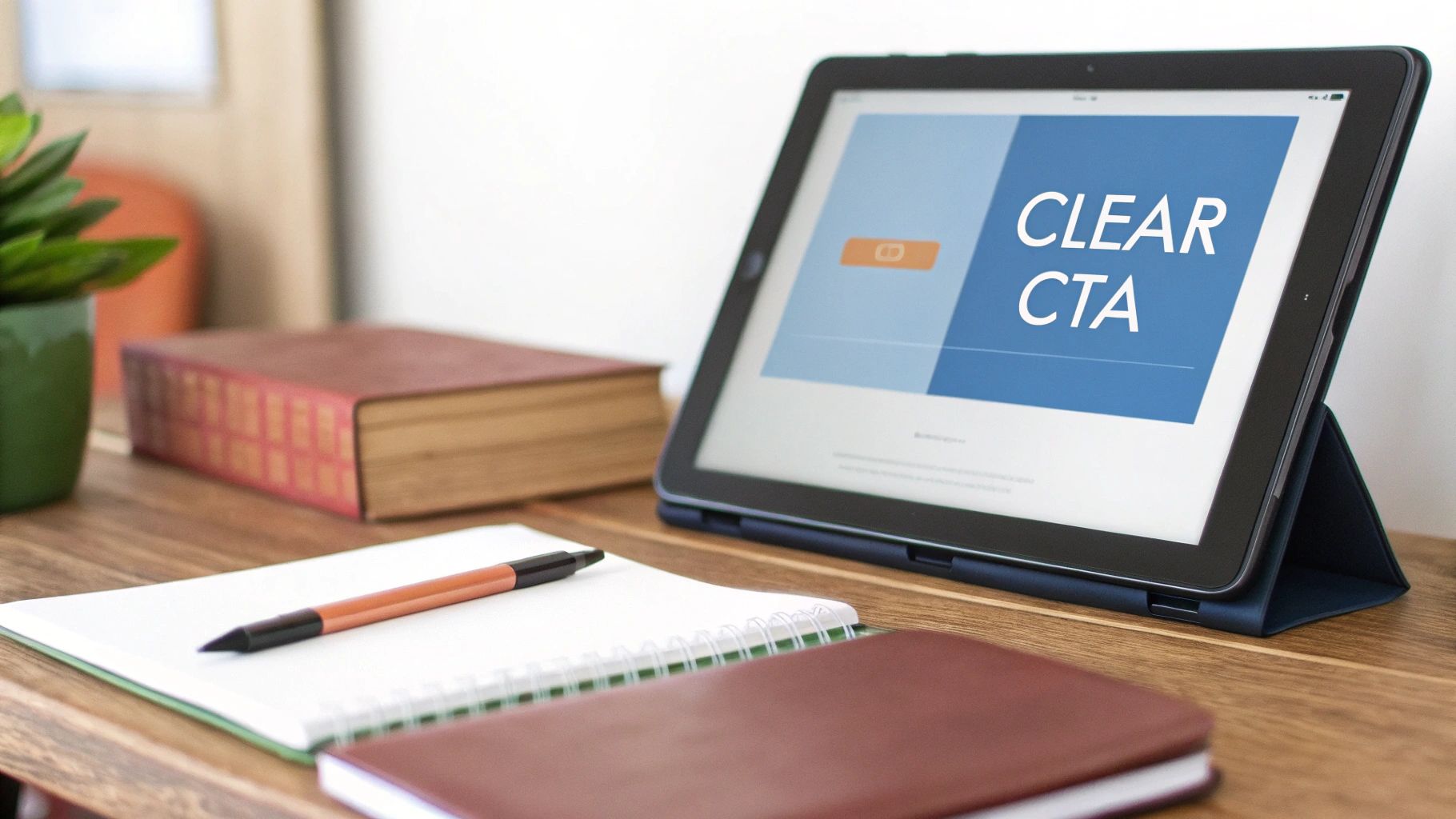
Let’s get one thing straight: your website isn’t just a digital brochure. It’s supposed to be your hardest-working employee, on the clock 24/7, turning curious visitors into actual customers. But what does that really mean?
Think of it like a physical store. A bad website is like a shop with messy aisles, no price tags, and a checkout counter hidden in the back storage room. People get frustrated, confused, and they leave. A conversion-focused website, on the other hand, is the opposite. It’s a clean, well-lit store where everything is easy to find, the staff is helpful, and buying is a breeze.
The goal isn’t just to look good. It’s to make it incredibly easy for people to do business with you.
Turning Visitors into Customers
A “conversion” is just a fancy word for getting a visitor to take a specific action you want them to take. It could be buying something, sure, but it could also be filling out a contact form, signing up for your email list, or picking up the phone to call you.
A smart website design for small business is built from the ground up to encourage those actions.
Every single headline, button, and image has a job to do. The whole design is about anticipating what your visitor needs and getting rid of any friction that might stop them from taking that next step. You’d be surprised how even tiny tweaks can lead to a big jump in leads and sales.
Practical example: A local bakery wants more custom cake orders. Instead of just listing “Custom Cakes” on their services page, they add a bright, friendly “Design Your Dream Cake Now” button on the homepage. This single, actionable change guides visitors directly to the order form, turning passive browsers into paying customers.
Credibility Is Key to Conversions
Your website’s design is the first thing people use to size you up. In fact, research shows that 75% of consumers will judge your company’s credibility based purely on how your website looks and feels.
And that judgment happens fast. First impressions are 94% design-related. A professional, easy-to-use site sends a clear signal: this business is legit. But a crowded layout, confusing navigation, or a site that looks broken on a phone? That trust evaporates in seconds. You can see more stats on how website design impacts business credibility at agencyhandy.com.
Your website is your digital handshake. A weak, confusing design makes for a weak first impression, while a clear, professional design builds instant trust and encourages visitors to engage further.
This trust is the bedrock of every single conversion. By focusing on a clean layout, intuitive navigation, and clear calls-to-action, you’re not just building a professional-looking site. You’re building a machine that actively works to grow your business.
The Building Blocks of a High-Converting Website
Alright, you get why a conversion-focused website is so important. Now, let’s get our hands dirty and move from theory to what actually works. A high-performing website isn’t an accident; it’s built piece by piece from a few non-negotiable elements. Getting these right is the difference between a site that’s just an online brochure and one that actively finds you new customers.
Think of these as the foundation of your digital storefront. You wouldn’t build a beautiful shop on shaky ground, right? The same goes for your website. These technical and design essentials make sure your site is fast, findable, and works perfectly for every single person who stops by.
Responsive Design Isn’t Optional Anymore
Today, people are looking you up on everything—desktops at the office, tablets on the couch, and most of all, their phones while they’re out and about. Responsive design is just a technical way of saying your website automatically adjusts to look great and work perfectly on any screen size.
If a potential customer has to pinch and zoom just to read your services on their phone, they’re gone. A clunky mobile site feels broken and unprofessional, and that first impression kills trust instantly. We break this down even further in our post on why mobile-friendly websites matter for local businesses. A seamless mobile experience is no longer a nice-to-have feature; it’s a basic requirement for any serious business.
Page Speed: Your Digital First Impression
Honestly, how long will you wait for a slow website to load? A few seconds, maybe? Your customers are the same. Page speed (how fast your site’s content appears) is one of the most critical parts of a good user experience and a huge factor for Google rankings.
A one-second delay in page load time can cause a 7% reduction in conversions. For a small business, that’s real money walking out the door. Your site’s speed is important.
A fast site feels professional and efficient. A slow one feels sloppy and frustrating. This is exactly why optimizing images, using clean code, and choosing good hosting are so crucial to professional website design for small business.
The Foundations of Search Engine Optimization
What good is an amazing website if nobody can find it? Search Engine Optimization (SEO) is simply the process of making your site more visible when people search on Google for what you offer. It’s a huge topic, but the groundwork starts with how your website is built.
A few key on-page SEO elements include:
- Keyword-Rich URLs: Clear, descriptive web addresses that make sense to humans and search engines (think
yourplumbingsite.com/emergency-leak-repairinstead ofyourplumbingsite.com/service-3). - Title Tags and Meta Descriptions: This is the headline and short summary that show up in Google search results. It’s your one chance to convince someone to click on your link instead of your competitor’s.
- Logical Heading Structure: Using H1, H2, and H3 tags to organize your content helps both readers and Google understand what your page is all about.
Intuitive Navigation and Clear Calls to Action
Once someone lands on your site, they need a clear map. Intuitive navigation does just that, guiding people effortlessly to the information they’re looking for. A confusing menu is a one-way ticket to a bounced visitor.
Practical example: A contractor’s website should have dead-simple menu items like “Services,” “Our Work,” and “Contact Us”—not clever but confusing terms like “What We Imagine” or “Connect.” Clarity always wins.
Finally, every single page needs a purpose. That purpose is driven by a Call-to-Action (CTA). A CTA is a button or link that tells the user exactly what to do next.
- Bad CTA: “Submit”
- Good CTA: “Get Your Free Quote Today”
Strong CTAs are specific, action-oriented, and impossible to miss. When you place them strategically around your site, you turn passive lookers into active leads. You give them the next logical step, making it easy for them to become a customer.
How a Winning Website Gets Built
Building a website can feel a lot like trying to assemble IKEA furniture without the instructions. It’s overwhelming, confusing, and you’re never quite sure if you’re doing it right. But it doesn’t have to be that way.
A professional website design for small business isn’t just about making things look pretty; it’s a disciplined, step-by-step process. Think of it like building a house. You wouldn’t start picking out paint colors before you’ve poured the foundation and put up the walls. (Well, maybe some of us do. But that’s not practical or how it’s done) Each phase builds on the last, turning a potentially chaotic project into a predictable and exciting journey.
The Discovery and Strategy Phase
This first step is, without a doubt, the most important one. Before a single line of code is written or a font is chosen, we have to get under the hood of your business. This is where we figure out what a “win” actually looks like for your new website.
We’ll dig in with questions like:
- Who is your absolute dream customer? What keeps them up at night, and how can you solve that problem?
- When someone lands on your site, what’s the one thing you need them to do? Is it booking a call, buying something, or filling out a form?
- Who are you up against? What are your competitors doing right (and, more importantly, what are they getting wrong)?
The answers we find here become the strategic blueprint for the entire project. Every decision from this point forward comes back to this foundation.
A website built without a clear strategy is like a ship without a rudder. It might look impressive floating in the harbor, but it’s not going to reach its destination.
Wireframing and Content Architecture
With a solid game plan, we can start building the skeleton of your site. A wireframe is just a simple, black-and-white layout of each page. No colors, no fancy images—just boxes showing where things like your logo, navigation, headlines, and call-to-action buttons will live.
This step is all about structure and how a user will move through the site. It’s way easier (and cheaper) to move a few boxes around on a wireframe than it is to tear down and rebuild a fully designed page. Getting this right ensures your website feels intuitive and naturally guides customers where you want them to go.

It’s a good reminder that how fast the site loads and how easily Google can find it are just as crucial as the visual design.
Design and Development
Once the blueprint is locked in, the fun really starts. This is where we bring your brand’s personality to life with colors, typography, and imagery. The visual design gets layered on top of the wireframes, creating a high-fidelity mockup that shows you exactly what the final website will look like.
After you’ve signed off on the look and feel, we move into development. This is where the approved designs get turned into a living, breathing website. It’s a technical process, whether you’re tackling it yourself or bringing in a pro. If you’re on the fence, we’ve broken down the pros and cons in our guide to DIY website vs. hiring a designer.

Testing and Launch
We’re almost there! Before your site goes live, it goes through some serious quality control. We click every button, test every link, and fill out every form on different browsers and devices to make sure nothing is broken. This step prevents those embarrassing glitches and ensures your first visitors have a seamless experience.
Finally, with your green light, we flip the switch and your new website is live for the world to see. Following a structured process like this takes the guesswork out of the equation and delivers a polished, effective website that’s ready to start working for your business from day one.
Budgeting for Your Small Business Website
Trying to figure out how much a new website should cost can feel like guessing the number of jellybeans in a jar. Prices are all over the map, and it’s tough to know if you’re getting a fair deal or being taken for a ride. The honest truth? There’s no single price tag for a professional website design for small business.
The real cost comes down to what you need that website to do. A simple five-page brochure site for a local plumber will naturally cost less than a sophisticated e-commerce platform for a clothing boutique with hundreds of products. Think of it like building a house—the final price depends on the size, the features you add, and how much custom work is involved.
Understanding the Price Spectrum
Generally, your options fall into three buckets: DIY platforms, freelance designers, and full-service agencies. Each one comes with a different level of investment and hands-on involvement from you. A basic website with a few informational pages could run you anywhere from $1000 to $5,000, while an e-commerce site can easily range from $2,000 to over $100,000 for complex builds.
That massive range is exactly why you need a crystal-clear picture of your goals before you start shopping around. As you can find in more detail, research on businessdasher.com shows how widely website costs vary depending on the scope of the project.
Investing in a website isn’t an expense; it’s an investment in your most powerful marketing asset. The goal isn’t to find the cheapest option, but the one that delivers the best return for your specific business goals.
Typical Website Design Cost Breakdown
So, how do the different options stack up? Let’s break down what you can generally expect to pay and what you get for your money. This table should give you a clearer idea of where your business might fit in.
Ultimately, the right choice depends on your budget, your timeline, and how much heavy lifting you’re willing to do yourself.